Guide
Working out how many customers you can serve
How the crowd in TCG Card Shop Simulator is counted and who walks in, so the shop is sized for the people it actually gets.
Applies to
no version stated by this build (see the sources page)
Before you start
- A shop with at least one shelf
- An entrance customers can reach
- A play table if you want players
Steps
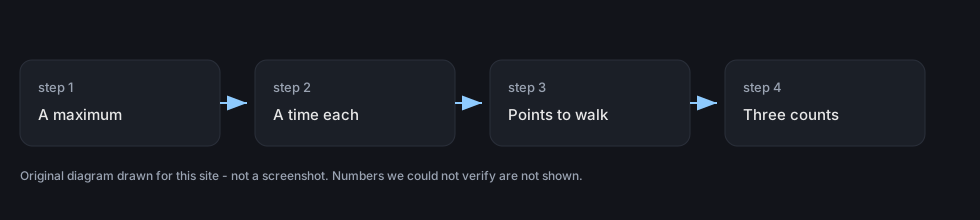
- Know the ceiling before you widen the shop.
the manager keeps a maximum number of customers and a time per customer - Count your crowd in three parts rather than one.
the current count is tracked with separate totals for the shop, the play tables and tournaments - Watch the tournament list as well as the door.
tournament customers are kept in two lists, one of them sorted - Check the points customers use to come in and go out.
the manager keeps an entrance point, a list of entrance points, points inside the shop, exit points and points outside the windows - Expect different kinds of shopper rather than one average one.
each kind of customer has a profile with a name, a kind and a rate at which it appears - Stock for what a profile can actually pay.
the profile sets a range of money the customer may carry and a maximum they will spend - Expect a basket size and some randomness in it.
the profile sets a range for how many items the customer wants, with percentages for how random that is - Remember the cards are a separate decision from the goods.
the profile sets how likely the customer is to buy a card, and a list of things they ignore
Common mistakes
- Filling one big shop when the crowd is capped and shared with the play tables.
- Stocking expensive goods for customers whose profile will not pay for them.
- Ignoring the entrance and window points and then wondering why the shop feels empty.
- Assuming every customer is a card buyer.
Related entries
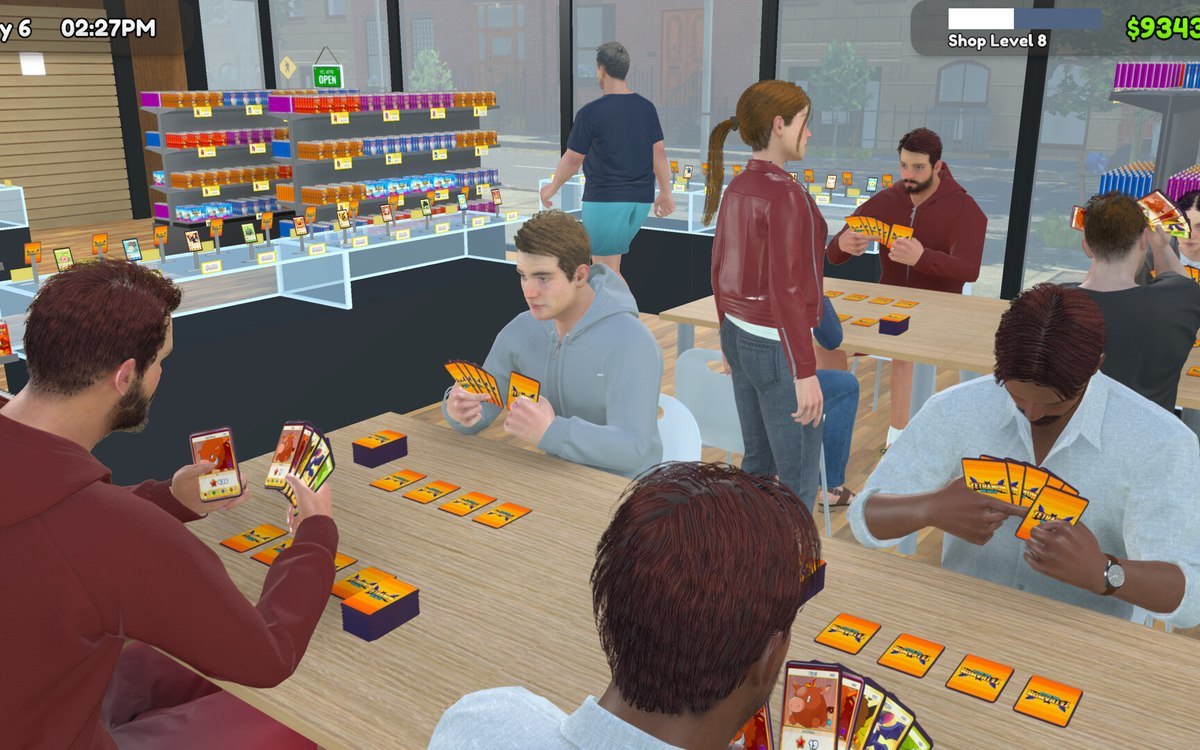
 Customers and tradingHow many customers your shop holdsThe manager keeps a maximum number of customers and a time per customer.
 Customers and tradingThe profile behind each customerEach kind of customer has a profile of its own with a name, a kind and a rate at which it appears.
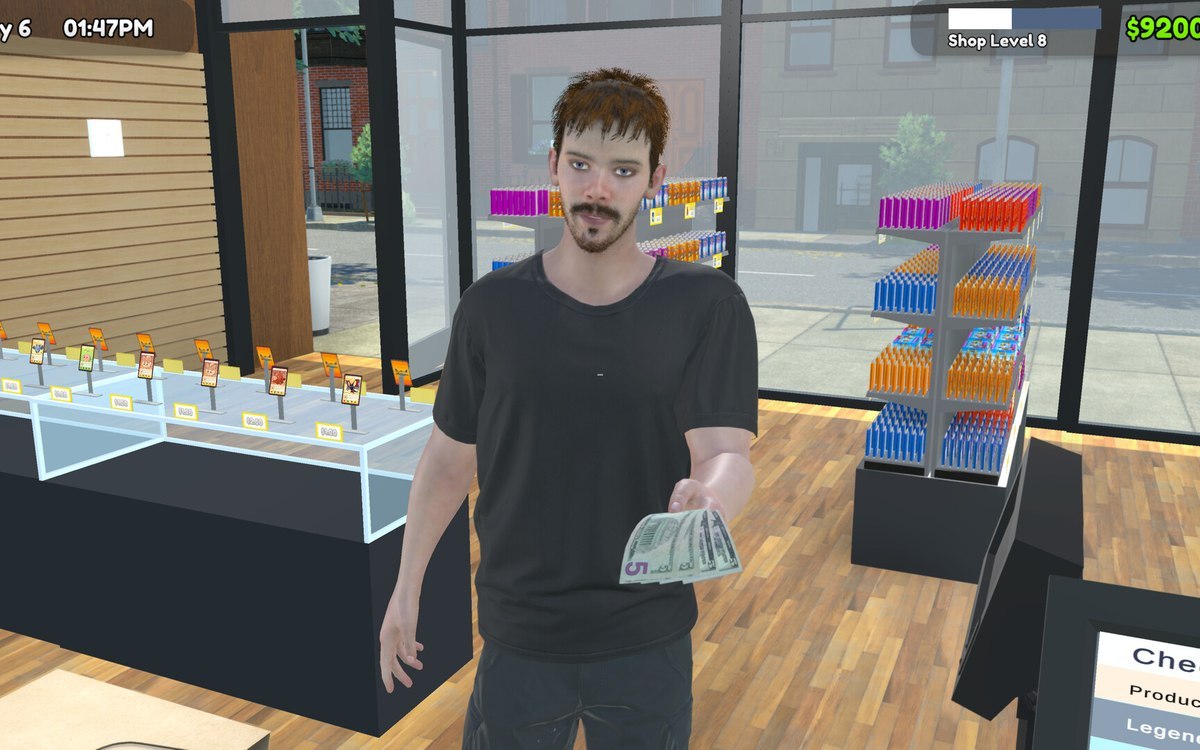 Customers and tradingWhy every customer looks differentThere is a detailed version of both the male and the female customer model.
Sources
A local copy of the game, read only. Grounding for each step is on the technical reference pages; no number is estimated.