Guide
Repricing stock that has stopped selling
How to change a price in TCG Card Shop Simulator after the first tag: read the move, reset it at the shelf, check the tag, then clear what will not sell.
Applies to
no version stated by this build (see the sources page)
Before you start
- Stock that has already been priced once and is still sitting on the shelf
- The price check screen or the price board within reach
- The fixture's own setting screen, because that is where the price is changed
Steps
- Re-read the price that is actually on the goods before you change it, rather than working from what you meant to charge.
the game checks a price on a screen of its own, and the panel gives the item, the total and a line for how the price has changed - Read the direction on that panel as well as the total, because an unchanged price needs a different decision from one that has already moved.
the panel keeps separate arrows for a price going up, going down and not changing - Look at the item's history before choosing a new number, so the change you make answers the move you actually saw.
the game has a screen for an item's price over time, and a market price keeps a generated price with current and past percentage changes - Change the number at the fixture's own price screen, with the average cost and the profit on that screen in view.
there is a screen for setting an item price, and it carries the average cost, the profit and a card interface for setting the price - Know which tag you are changing, because a card, an item box, a package box and a warehouse rack each get a tag of their own.
tags are spawned from prefabs chosen for what is being tagged, with separate ones for a card, an item box, a package box and a warehouse rack - Check what the compartment will accept, and whether its label can be locked, before you re-tag rather than after.
a compartment records what it will accept and whether its label can be locked - Look at the tag after the change and clear any zero price before the shelf goes back on sale.
a tag caches the price as text, knows when the price is zero and has a warning indicator for that case - Expect the market to keep moving after your edit, and read a later change as an event the game labels rather than as proof the new price failed.
price changes are managed as their own system with labelled kinds, and price information can be shown where the player is - Decide when a reprice has become a stock decision, and move what will not sell to the bulk donation box or the bin rather than repricing it again.
there is a bulk donation box with a panel of its own, and removing stock has kinds with a confirmation screen and a list of bins
Common mistakes
- Repricing from memory instead of opening the check screen on the goods.
- Reading only the total and ignoring the line and arrows that say which way the price moved.
- Changing a card's tag and assuming the tag on the box it came from changed too.
- Leaving a price at zero after an edit because the tag's zero warning was not read.
- Repricing an item for a third time when the stock decision was to donate or bin it.
- Treating a later market move as proof that the new price did not work.
Related entries
 Pricing and the marketPrices and price tagsPrice tags are their own objects attached to goods.
 Pricing and the marketPrice tags for every contextPrice tags are spawned from a set of prefabs rather than one tag being reused everywhere.
 Pricing and the marketPrice changes and cash at the counterPrice changes are managed as their own system.
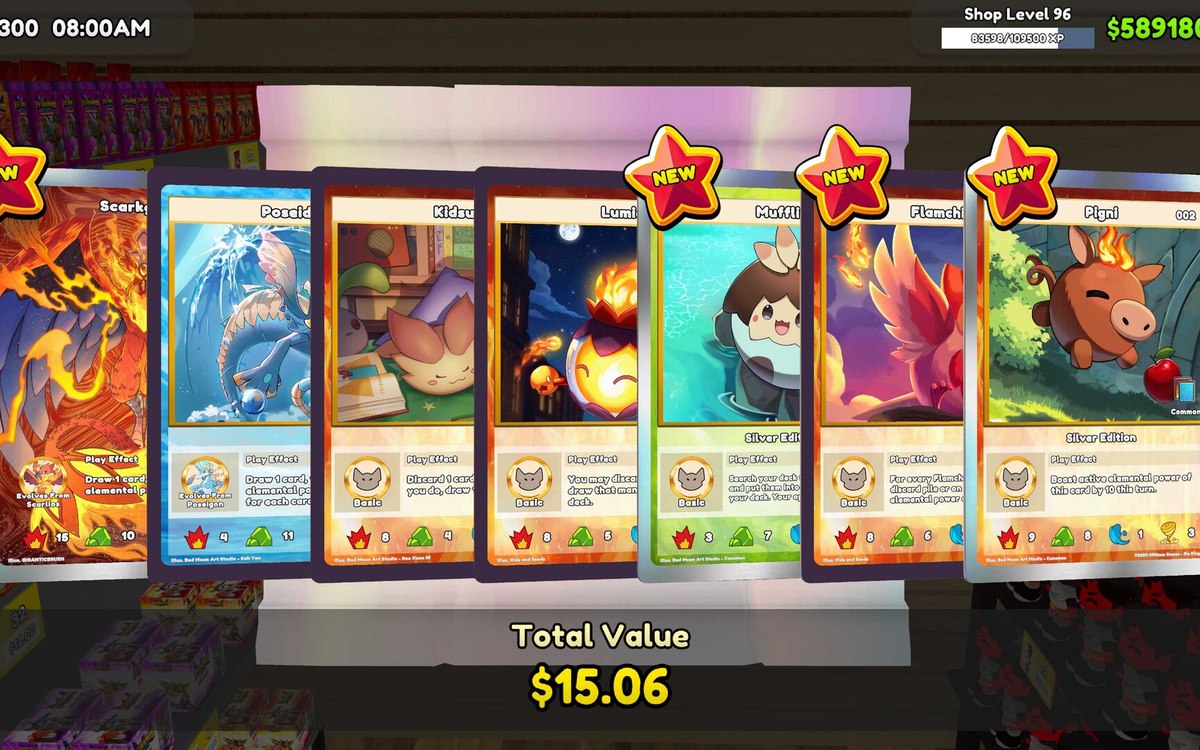 Pricing and the marketReading the price boardItem prices are drawn as grouped lines in the interface.
 Interface and screensThe setting screens for your fixturesSetting screens exist per kind of fixture rather than as one global menu.
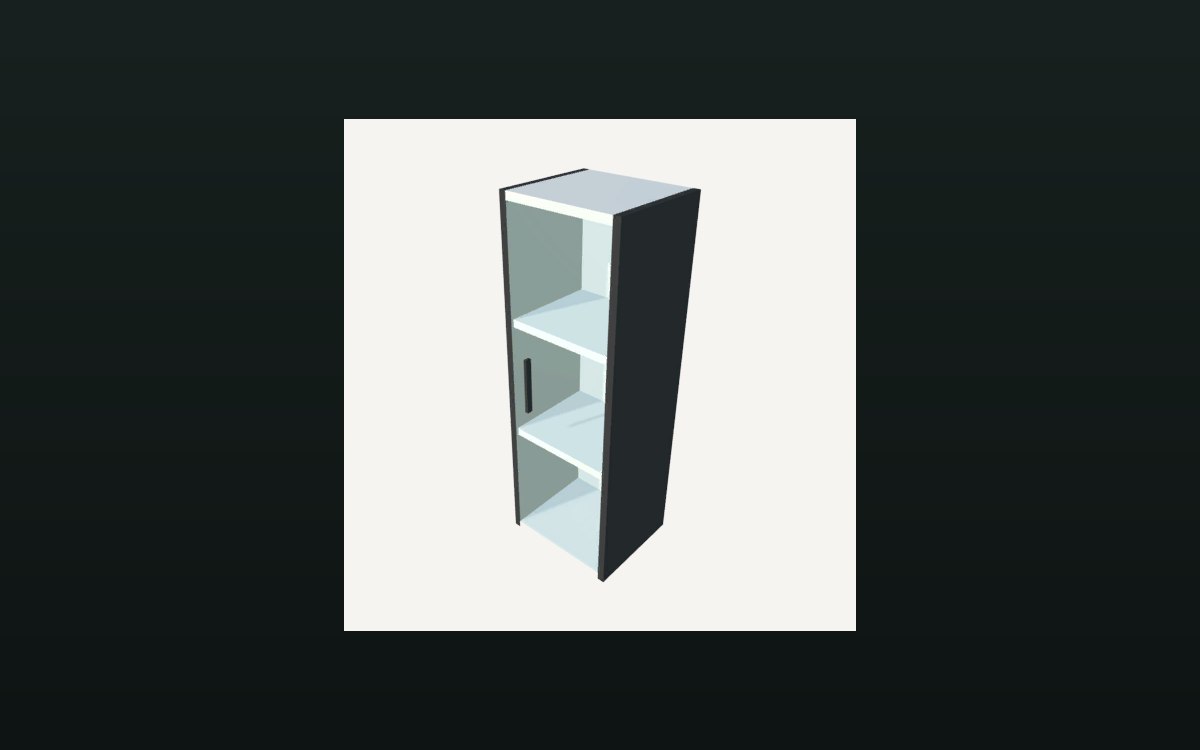 Storage and stockHow a shelf holds its stockA shelf is divided into compartments.
Related guides
- Reading why a price moved
How to use the kinds of price change in TCG Card Shop Simulator: what the game names as a reason, why foils, borders and elements show up on that list, and where to look before buying into a move. - Reading a price graph without guessing
How to use the price graph in TCG Card Shop Simulator: what the screen can show, how the line and its colours are drawn, what the lists of prices and days are for, and how a graded card gets a price of its own. - Pricing a card from what you can see
How to price cards in TCG Card Shop Simulator using the tags, the price-check screen and the reveal, rather than from memory. - Labelling the shelves so prices read right
How to use price tags and compartments in TCG Card Shop Simulator so what is on a shelf and what it costs are both readable. - Clearing old stock in bulk
How to get rid of stock you cannot sell in TCG Card Shop Simulator without mixing up donations, bins and the boxes the stock lives in. - Keeping the shelves selling during a busy day
How to keep product on the sales floor while customers are in the shop, using the shelf and pricing behaviour the game defines.
Sources
A local copy of the game, read only. Grounding for each step is on the technical reference pages; no number is estimated.